
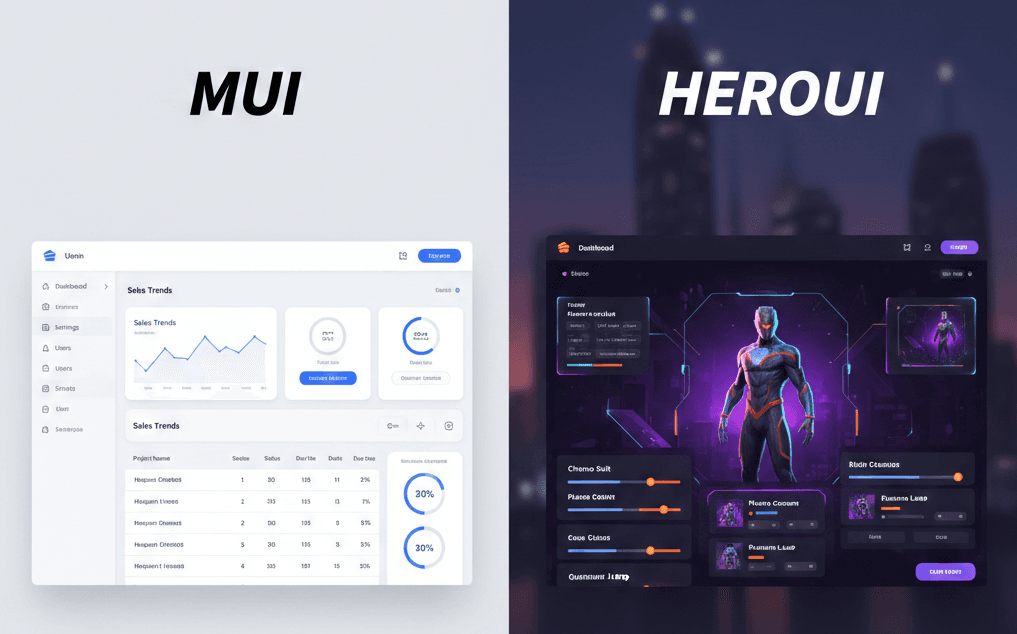
MUI vs HeroUI: Which UI Library Actually Scales?
Editor | February 26, 2026 | 2 min read
Choosing a UI library is not just a design decision. It affects engineering speed, onboarding, testing effort, and how painful refactoring becomes six months later. The MUI vs HeroUI decision is often framed as "enterprise vs lightweight," but that summary hides the real tradeoffs teams feel in daily work.
In this guide, the focus is simple: what holds up when a project grows. Not in a demo, but in a codebase with multiple contributors, changing requirements, and delivery pressure.
Quick Comparison
- MUI (Material UI): opinionated, structured, enterprise-friendly
- HeroUI: lightweight, flexible, Tailwind-first
- Main tradeoff: consistency and guardrails vs speed and freedom
Philosophy: Why These Libraries Feel Different
MUI is built around consistency. It gives you system-level defaults for components, spacing, theming, and interaction patterns. That makes it easier to keep the product visually coherent when multiple engineers are shipping in parallel.
HeroUI is built around flexibility. It assumes your team wants lighter abstractions and tight control over styling decisions, usually through Tailwind. The benefit is faster customization. The cost is that design consistency depends more on team discipline than framework defaults.
In practice, this difference shows up quickly. If your team asks, "What is the standard way to build this?" MUI has a clearer answer. If your team asks, "How quickly can we shape this exactly how we want?" HeroUI often feels faster.
Developer Experience at Scale
MUI
MUI performs well in team settings where predictability matters. New contributors can follow established component patterns without guessing. Theme tokens and component APIs create shared language across contributors.
Strengths:
- Centralized theming
- Predictable component behavior
- Mature documentation and examples
- Easier onboarding for larger teams
Common friction:
- Heavier abstraction can feel restrictive for highly custom UI
- Deep overrides can become noisy when design diverges from defaults
HeroUI
HeroUI feels efficient for small teams and fast iteration. You can move from idea to working UI quickly without dealing with large component APIs. Tailwind-first composition can reduce mental overhead when the team is already fluent in utility classes.
Strengths:
- Low abstraction, fast composition
- Good fit for custom interfaces
- Smaller cognitive load for solo or small teams
Common friction:
- Fewer guardrails means consistency can drift across features
- Large teams may need stricter internal conventions to avoid UI fragmentation
Performance and Bundle Behavior
Performance is not only about one benchmark. It is about long-term bundle growth, runtime cost, and how easy it is to keep things lean while features expand.
MUI typically starts heavier because you get more infrastructure out of the box. That can be a fair tradeoff when the product needs strong consistency and predictable UI behavior.
HeroUI usually begins lighter and keeps a smaller default footprint. For performance-sensitive products, this can be a meaningful advantage. But lower library overhead does not automatically guarantee a faster app if implementation choices are inconsistent.
Practical rule: if performance budget is tight and UI complexity is moderate, HeroUI often gives better defaults. If UI governance and consistency are hard requirements, MUI's extra weight may be justified.
Team Fit and Maintainability
This is where decisions become obvious.
Choose MUI when:
- Team size is medium to large
- You need strict design consistency
- You are building long-lived, process-heavy products
- Standardization is more valuable than per-screen freedom
Choose HeroUI when:
- Team is solo or small
- Iteration speed is the top priority
- You expect custom visual patterns frequently
- You can enforce consistency through internal conventions
Real-World Decision Framework
Use these two questions before deciding:
- Will this product be maintained by many people over time?
- Do we need strict visual governance or rapid UI experimentation?
If the first answer is yes, MUI is usually safer. If the second answer dominates, HeroUI usually gives better velocity.
A practical approach for many teams is hybrid adoption at the organization level: MUI for internal/admin-heavy systems, HeroUI for lightweight product surfaces where custom UX and shipping speed matter most.
Official Links
If you want to compare APIs, component coverage, theming models, and roadmap details directly, review both official docs before finalizing your stack decision.
- MUI: https://mui.com
- HeroUI: https://www.heroui.com
Final Take
Neither library is "best" in isolation. The better choice is the one that fits your team model, product constraints, and delivery style.
- Pick MUI when consistency and governance are priorities.
- Pick HeroUI when speed and flexibility are priorities.
- Re-evaluate the decision when team size, product complexity, or performance constraints change.
The library should reduce long-term friction, not create it.